
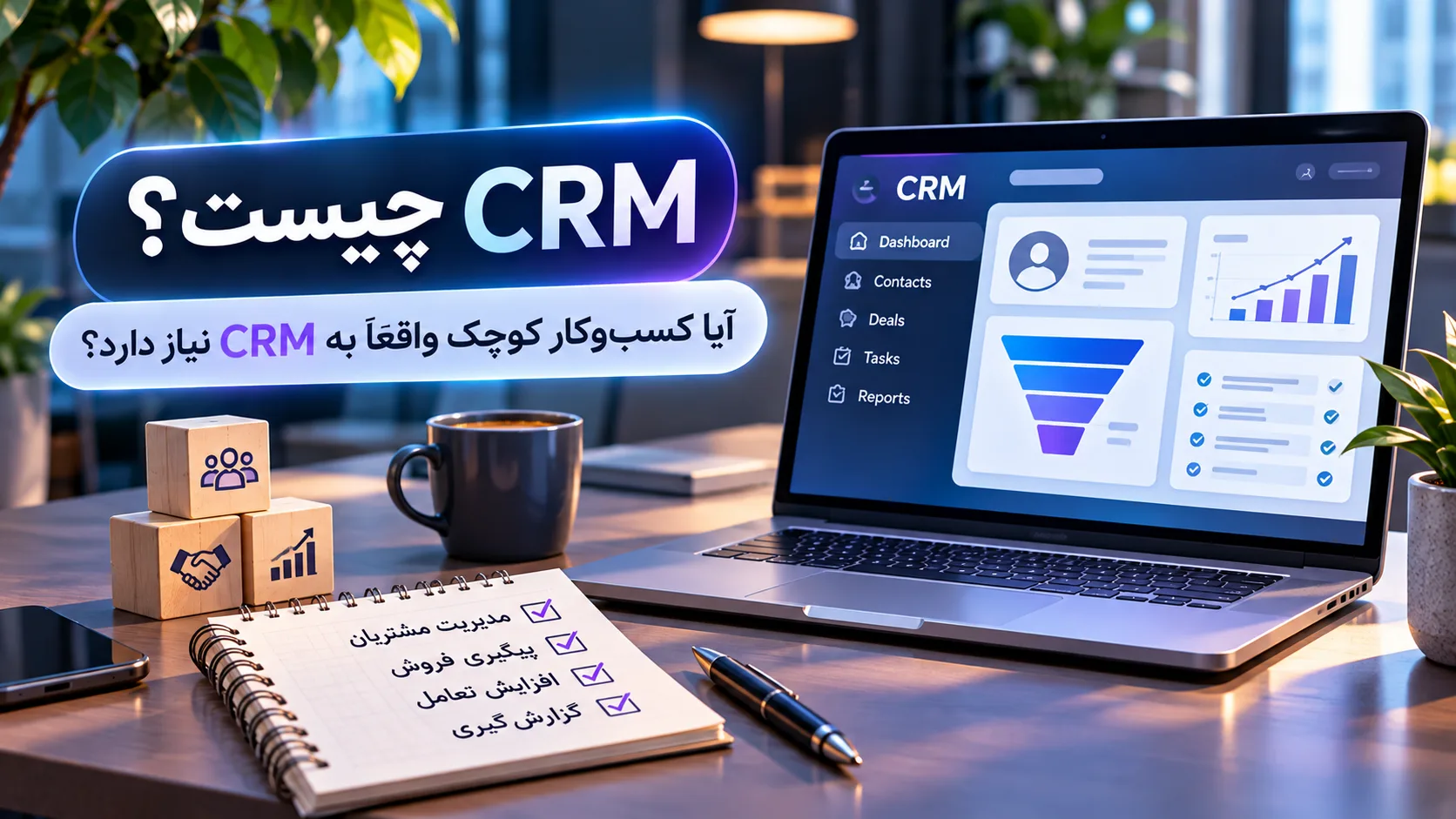
What Is CRM? Does a Small Business Really Need One?
“Where did we save this customer’s phone number?”
“Who spoke to them last?”
“Did we already send the proposal?”
“Weren’t we supposed to follow up today?”
“Where did this customer originally find us?”
When you only have a handful of customers, the answers may still be somewhere in your memory, WhatsApp messages, an Excel file or a notebook sitting next to your desk.
But as the number of customers, team members and communication channels grows, something gradually changes:
Finding customer information can become harder than finding the customer.
Part of the information is on a manager’s phone. Another part is in a spreadsheet. Some details are buried in messages, and an important meeting note may be sitting on a piece of paper somewhere.
CRM systems are designed to bring structure to this situation.
But before assuming that every business needs to adopt a CRM immediately, it is worth understanding what CRM actually means and when it becomes genuinely useful.
What is CRM?
CRM stands for Customer Relationship Management.
The term has two closely related meanings.
First, CRM is a strategy and process for managing relationships with existing and potential customers.
Second, when businesses say “we use a CRM,” they usually mean software that centralizes customer information and interactions.
A customer record might contain information such as:
-
name and contact details
-
how the customer discovered the business
-
date of first contact
-
products or services they are interested in
-
which team member has spoken with them
-
outcome of the latest conversation
-
whether a proposal has been sent
-
when the next follow-up should happen
-
whether the opportunity eventually became a sale
Microsoft describes CRM as a combination of strategies, processes and technologies used to manage interactions with customers and prospects across areas such as sales, marketing and service.
So CRM should not be viewed simply as an advanced address book.
Its main purpose is to make the relationship between the business and the customer visible, organized and usable in one place.
What does a CRM look like in practice?
Imagine a service company with 50 customers and potential customers.
Each person can have a record in the CRM.
For example:
Name: Sarah Miller
Company: X Store
Phone: +49...
Lead source: Google
Interested in: E-commerce website development
Sales owner: Alex
Stage: Proposal
Last contact: November 5
Next follow-up: November 8
Below the customer information, the activity history might show:
November 2 → Consultation form submitted
November 3 → Initial call completed
November 4 → Discovery meeting
November 5 → Proposal sent
November 8 → Follow-up
If another team member opens the record, they do not have to ask:
“What is the story with this customer?”
Much of that story is already there.
CRM is not only for sales teams
A common misconception is that CRM is simply a sales tool.
Sales is certainly one of its most important applications, but it is not the whole picture.
CRM information can be useful across several areas of a business.
Sales can see leads, opportunities and deal stages.
Marketing can understand which campaigns or channels generated customers.
Customer support can review previous interactions and customer history.
Management can analyze the sales pipeline, acquisition sources and overall process performance.
CRM becomes especially valuable when it reduces information silos and creates a shared view of the customer.
Can’t Excel do the same thing?
To some extent, yes.
And that is important to acknowledge.
There is no reason to portray spreadsheets as the villain just to make CRM look better.
For an individual or a small team, a well-organized spreadsheet may be perfectly adequate.
For example:
| Customer | Phone | Service | Status | Next follow-up |
|---|---|---|---|---|
| Sarah | +49... | Web design | Proposal sent | Saturday |
| Daniel | +49... | Support | Initial contact | Monday |
If you have relatively few customers, only one or two people manage the information, and your sales process is simple, a spreadsheet may meet your needs.
Problems begin when you expect Excel to perform jobs it was never specifically designed to handle.
For example:
Who last spoke to this customer?
Which emails were sent?
Which salesperson owns the opportunity?
How many overdue follow-ups do we have?
What has this customer purchased before?
How many deals are currently at the proposal stage?
Which campaign generated this lead?
A CRM connects this information to the customer and to the business process around them.
So the useful question is not:
Is CRM better than Excel?
A better question is:
Is our process still simple enough to manage comfortably in a spreadsheet?
7 signs it may be time for a CRM
There is no magical number of customers after which a CRM suddenly becomes mandatory.
The need usually depends more on the complexity of customer relationships and internal processes than on the raw number of contacts.
If several of the following situations happen regularly, it may be time to evaluate CRM more seriously.
1. Customer information is scattered across different places
A phone number is stored on someone's phone.
A quotation is in WhatsApp.
Project details are in Excel.
An invoice is in another system.
Meeting notes may still be on paper.
When customer volume is low, this can somehow work.
As the business grows, finding information becomes a task in itself.
A CRM can provide a central place for important customer information or connect different systems so that the team has a more consistent view.
2. Customer follow-ups are being forgotten
A customer says:
“Call me next week.”
Next week arrives.
You have three meetings, two urgent problems appear, and the customer disappears from everyone's mind.
A CRM can associate a task or reminder with that customer.
This is also where CRM starts to connect with sales automation.
For example, after a proposal is sent, the system could create a follow-up task for three days later.
The CRM stores the information, while automation can help ensure that the next action happens at the appropriate time.
3. You do not know where each customer is in the sales process
Imagine you have 30 potential customers.
How many are new?
How many have been contacted?
How many are reviewing a proposal?
How many deals are under negotiation?
How many opportunities have been lost?
This is where a sales pipeline becomes useful.
For example:
New Lead → Initial Contact → Qualification → Proposal → Negotiation → Won
When opportunities are placed into clear stages, the state of the sales process becomes much easier to understand.
If 20 customers are suddenly stuck at “Proposal,” you now have an important question to investigate.
4. Several people on the team interact with the same customer
This becomes increasingly important as a team grows.
Imagine a customer speaks with a salesperson yesterday and contacts support today.
If the relevant information is not shared, the customer may have to explain everything again.
Worse, two team members may contact the same lead without knowing about each other.
A centralized system allows authorized team members to review the necessary history and understand the latest interaction.
In this sense, CRM is more than a place to store data.
It becomes the shared memory of the team.
5. Simple sales questions have become difficult to answer
“How many leads did we receive this month?”
That sounds like a simple question.
But if answering it requires opening an Excel file, counting website forms, checking social media messages, asking the salesperson and finally reaching for a calculator...
your current information system may be approaching its limits.
A CRM can make reporting on things such as these easier:
-
number of leads
-
customer acquisition sources
-
sales opportunities
-
conversion between stages
-
sales activities
-
open and closed deals
The purpose of a dashboard is not to create colorful charts.
The purpose is to reduce the amount of decision-making based on guesswork.
6. When someone leaves, part of the customer knowledge leaves too
This can be one of the most serious warning signs.
If only one person knows:
what the customer wants,
what price they received,
what was promised,
and when they should be contacted again,
then important business information is living inside one person's memory.
A vacation, job change or even a few days of absence can disrupt the process.
CRM helps keep customer knowledge inside the business system rather than exclusively inside individual people's heads.
7. The business is growing and the current method no longer scales
Sometimes the current system is not broken.
It was simply designed for a smaller business.
Perhaps you used to receive 10 customer inquiries per month and now receive 100.
Maybe the sales team grew from one person to five.
Or perhaps the website, advertising, social media and phone calls are all generating leads simultaneously.
A process that worked beautifully for ten customers may not work for one hundred.
At this point, CRM can provide the structure needed to manage that growth.
A practical example: what changes when a small business adopts CRM?
Imagine a small clinic with three consultants.
Customers arrive through three channels:
the website, social media and phone calls.
Without CRM, customer information may be scattered across several places.
One consultant saves numbers on a phone.
Another uses Excel.
Some requests remain inside messaging apps.
Now introduce a CRM into the process.
When someone submits the website form, a lead is created.
The source is recorded as “Website.”
The requested service is stored.
The lead is assigned to one of the consultants.
The consultant makes the call and records the outcome.
If the customer is not ready to decide, a follow-up date is scheduled.
If the customer moves to booking, the record changes stage.
After some time, the manager can see:
How many leads came from the website?
How many came from social media?
Which channel produced a higher conversion rate?
How many leads have not yet been followed up?
The CRM has not replaced the consultant.
It has organized the information and process surrounding the consultant's work.
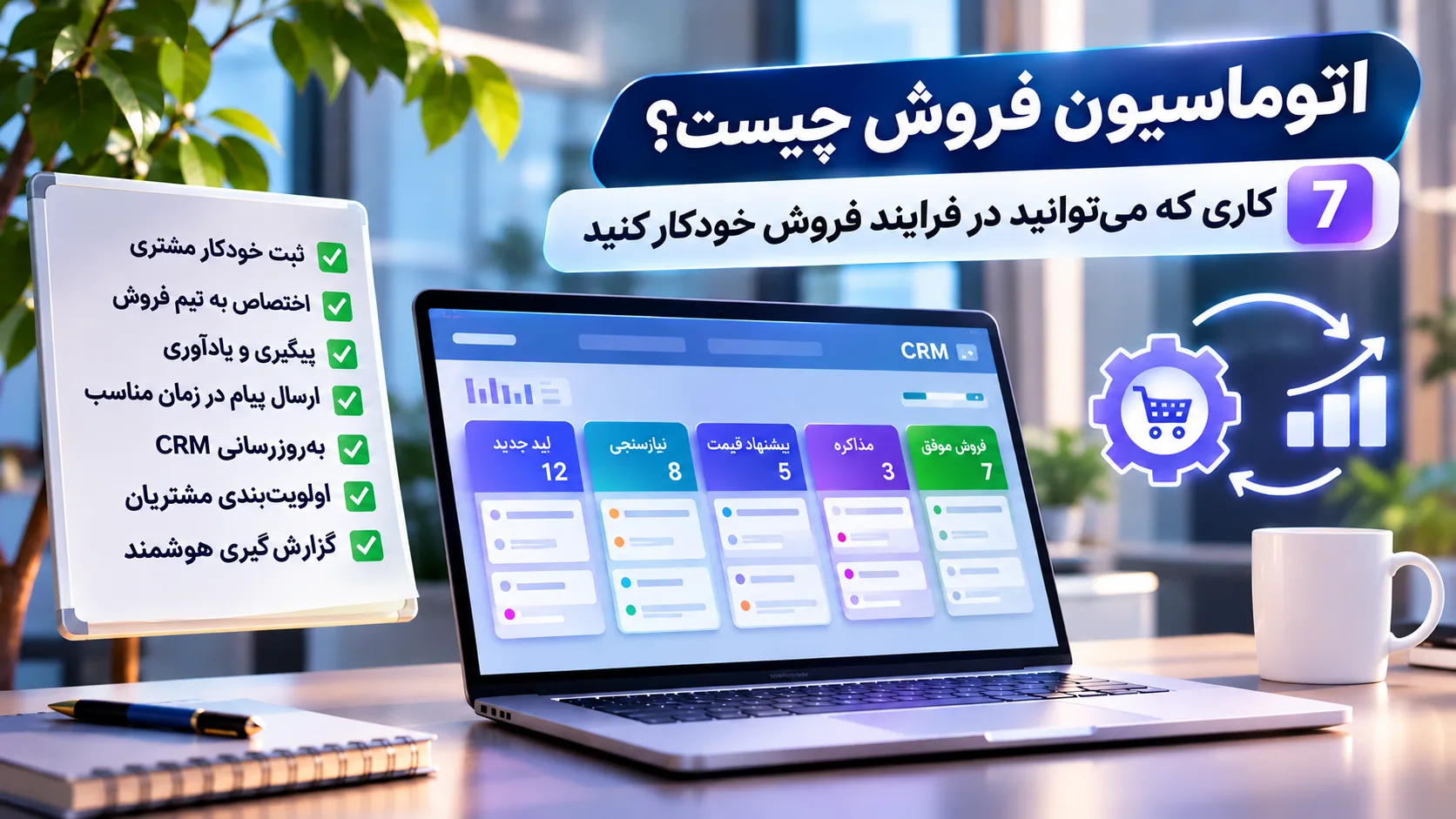
What is the relationship between CRM and sales automation?
The two concepts are closely connected, but they are not identical.
CRM stores information and the current state of the customer relationship.
Automation can perform actions based on events within that process.
For example:
A new lead is created in the CRM
↓
It is assigned to a salesperson
↓
A call task is created
↓
After a proposal is sent, a reminder is scheduled
↓
When a contract is confirmed, the deal stage changes
We explore this process in more detail in our article about sales automation.
In simple terms:
CRM can act as the memory of the process, while automation handles some of its repetitive actions.
Does CRM increase sales?
Not by itself.
This is an important distinction.
Installing CRM software does not suddenly create more customers.
If your offer is weak, follow-up is poor or the sales process itself is broken, a beautiful dashboard will not magically fix those problems.
CRM can help:
reduce lost information,
make follow-ups more consistent,
make the process more visible,
and provide better data for decision-making.
But the outcome still depends on how the system is used.
A CRM that nobody keeps updated is simply an expensive digital database gathering dust.
When do you still not need a CRM?
This question is just as important as asking when you should adopt one.
If:
you have very few customers,
one person manages sales,
the sales process is short and straightforward,
follow-ups are easy to manage,
and an organized spreadsheet gives you all the information you need,
you probably do not need to launch a CRM implementation project tomorrow.
Use the simplest tool that continues to solve the problem properly.
A more complicated tool does not automatically make a business more professional.
Sometimes the best system is simply the one your team actually uses.
A common mistake: buying CRM first and figuring out the process later
This approach often fails.
A company chooses a CRM.
Dozens of fields are created.
A complicated pipeline is designed.
Several automations are added.
Two months later, the team is still recording customer information in WhatsApp and Excel.
Why?
Because the project started with the tool instead of the process.
Before choosing CRM software, you should be able to answer questions such as:
How does a customer enter the business?
What information actually needs to be recorded?
Who is responsible for follow-up?
What are the real stages of the sales process?
Which information does management need?
Which tasks are repetitive?
Who will use the CRM every day?
Once these questions are clear, choosing the right technology becomes much easier.
What should you consider when choosing a CRM?
A long feature list does not automatically mean a better choice.
For a small business, a few practical questions matter more.
Is it easy for the team to use?
If recording a normal phone call takes five minutes, there is a good chance people will eventually stop recording calls.
Does it fit your real process?
The pipeline and fields should adapt to the business rather than forcing the business into an unnatural workflow.
Can it connect to your other tools?
For example, your website, email, messaging systems or other software used by the business.
Does it provide the reports you actually need?
Not hundreds of exotic reports. The information you genuinely use to make decisions.
Can permissions be managed?
Not every employee necessarily needs access to every piece of customer information.
Can your data be exported?
You should understand what happens to your information if you decide to change systems in the future.
Can it grow with the business?
A system that works today should not become an obstacle after the first meaningful increase in customers or users.
Security, data quality, integrations and actual user adoption are also important factors when implementing CRM.
Should you buy an existing CRM or build a custom one?
For many businesses, an existing CRM platform is the best place to start.
Ready-made solutions are usually faster to deploy and already include many common CRM capabilities.
But some businesses have highly specific processes.
For example, CRM may need to integrate deeply with:
an internal dashboard,
a website,
an ordering system,
a service workflow,
a custom administration panel,
or other company software.
In these situations, custom development or a hybrid approach combining an existing CRM with custom components may make more sense.
Again, the answer does not start with the technology.
It starts with the requirement.
How does AtraByte approach CRM?
At AtraByte, before deciding between an existing CRM and a custom system, we first look at the process.
Where do customers come from?
Where is their information currently stored?
Who is responsible for the next step?
What gets forgotten repeatedly?
Which information is important for management?
Which systems need to communicate with each other?
Sometimes an existing CRM is the right answer.
Sometimes a custom customer-management system or dashboard makes more sense.
Sometimes all that is needed is connecting a website form to an existing workflow.
And sometimes Excel is still perfectly adequate.
The objective is not to force CRM into every business.
The objective is to make sure customer information and customer relationships do not become unmanageable.
Conclusion: do you really need a CRM?
In its simplest form, CRM helps you understand:
Who is the customer, what has happened with them, and what should happen next?
For a small business, that may initially be manageable with Excel, a notebook or other simple tools.
But when information becomes scattered, follow-ups are forgotten, several people interact with the same customer, the sales pipeline becomes unclear or preparing a simple report starts to feel like spreadsheet archaeology, CRM becomes considerably more valuable.
So the real question is not:
“Does a professional business need a CRM?”
A better question is:
“Can our current system still manage customer relationships without losing information, time or opportunities?”
If the answer is gradually becoming “no,” it may be time to evaluate CRM.
If the answer is still “yes,” there is no reason to make your systems more complicated simply because CRM software is popular.
The best CRM is not necessarily the one with the most features.
It is the one your team actually uses to solve a real problem.
Frequently Asked Questions
What is CRM?
CRM stands for Customer Relationship Management. It refers both to the strategy and processes used to manage customer relationships and to software that centralizes customer information, interactions and relationship status.
What is CRM used for?
CRM can be used to manage contact information, leads, sales opportunities, interaction history, follow-ups, sales pipelines, customer service and reporting.
Does a small business need a CRM?
Not always. When customer volume is low and the process is simple, a spreadsheet may be sufficient. CRM becomes more valuable as customer information, team collaboration and sales processes become more complex.
What is the difference between CRM and Excel?
Excel is a flexible tool for storing and analyzing data. CRM is specifically designed around customer relationships and interactions and typically includes features such as activity history, sales pipelines, tasks, permissions, reporting and automation.
Does CRM increase sales?
CRM does not generate sales by itself. It can, however, help businesses organize information, follow up more consistently and better understand their sales process. When used effectively, these improvements can support better sales performance.
What is the difference between CRM and sales automation?
CRM manages customer information and relationship status. Sales automation uses rules and workflows to perform repetitive actions such as creating tasks, scheduling follow-ups or updating deal stages based on that information.
Is an existing CRM better than a custom CRM?
It depends on the business. Many companies can meet their needs with an existing CRM platform. When processes, integrations or workflows are highly specific, custom development or a hybrid solution may be more appropriate.

Discussion
Thoughts on this article