
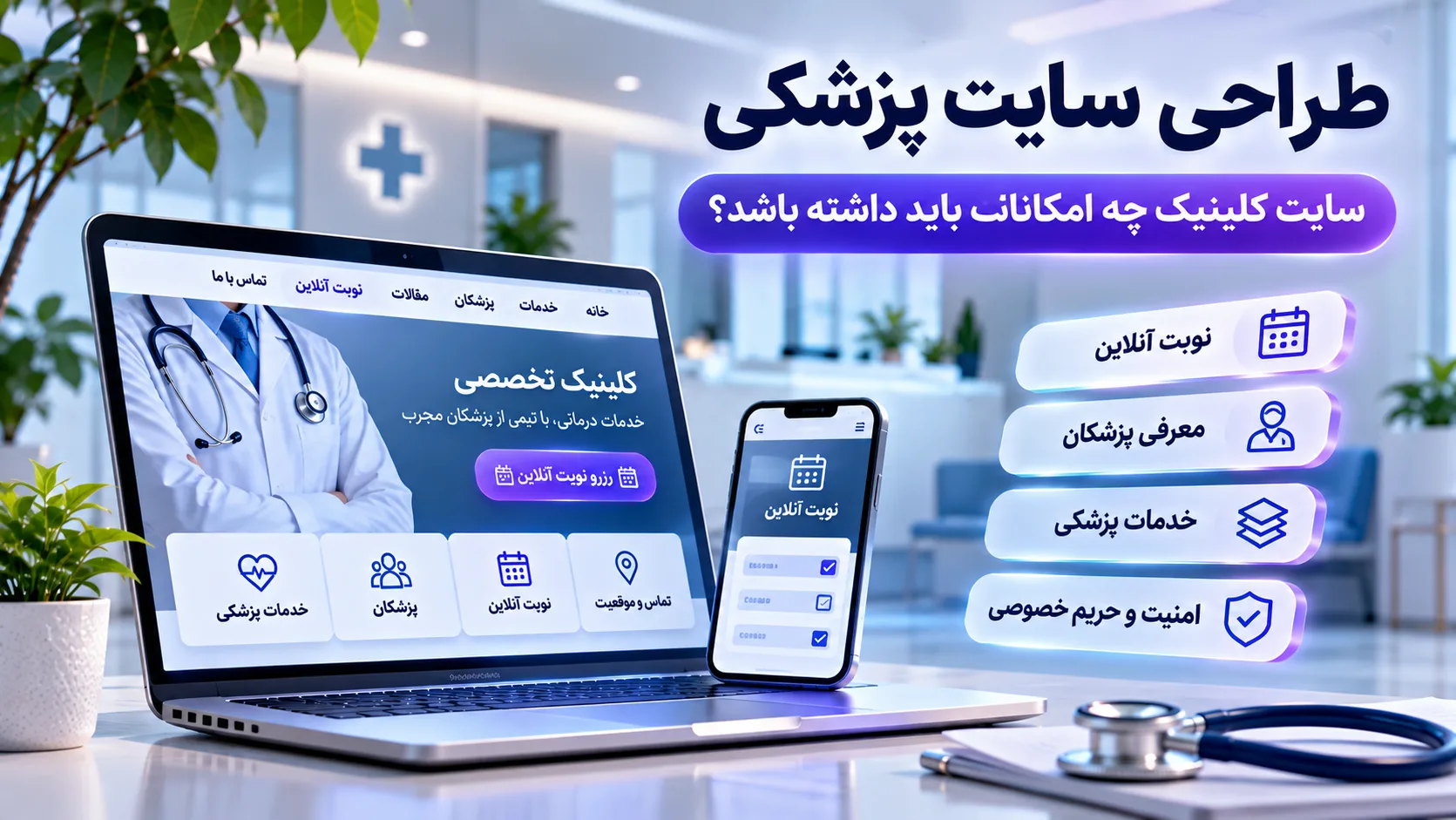
Medical Website Design: What Features Should a Clinic Website Have?
Imagine someone searches for the name of a clinic or doctor on Google and lands on the website.
The first thing they want to know is probably not when the clinic was founded or how large the building is.
Their questions are much more practical:
Does this clinic provide the service I need?
Which doctor specializes in it?
When is the doctor available?
Where is the clinic?
How can I book an appointment?
And most importantly:
Can I trust the information I find here?
This is where medical website design becomes different from simply building an online showcase.
A good medical website should connect patient needs with the clinic's actual processes. It should provide important information quickly, establish trust and make the next step, from making a phone call to booking an appointment, clear and simple.
So before deciding on colors, animations or even technology, there is a more important question:
What should a doctor or clinic website actually do?
What is medical website design?
Medical website design refers to creating websites for doctors, medical practices, clinics and other healthcare organizations.
But a medical website should be more than a collection of Home, About Us and Contact pages.
It may need to address several needs at the same time:
-
introducing doctors and specialties
-
clearly presenting medical services
-
providing useful information before a visit
-
displaying contact details and location
-
making appointment requests easier
-
answering common patient questions
-
publishing trustworthy content
-
providing a good mobile experience
-
protecting information submitted by users
Depending on the size and type of organization, additional features such as patient portals, management dashboards, appointment reminders or integrations with internal systems may also be useful.
But not every clinic needs every feature.
Good medical website design starts with the real needs of patients and the healthcare organization, not with the longest possible feature list.
What is a patient looking for when visiting a clinic website?
This question should be answered before designing the interface.
Imagine someone searches for a particular medical service and lands on a clinic website.
They may want to know immediately:
Does this clinic offer the service?
Which doctor provides it?
What is the process for getting an appointment?
Is there anything they should know before visiting?
How can they book?
Where is the clinic located?
If finding these answers requires opening several menus, searching through multiple pages and eventually calling reception just to discover the opening hours, the website has failed at part of its job.
The design should shorten the patient's path, not turn it into another puzzle.
1. Medical services should be explained clearly
Service pages are among the most important parts of a clinic website.
But a page that only says:
“We provide the best and most advanced medical services at the highest quality”
does not answer many real patient questions.
For each major service, it can be useful to explain:
-
what the service is
-
the area of care it relates to
-
which doctor or department provides it
-
what the appointment process looks like
-
what information may be needed before the visit
-
what the patient's next step should be
There is, however, an important boundary.
A medical website should not try to replace personalized diagnosis by a healthcare professional.
Educational content can help users understand a topic, but each person's medical situation may be different, and clinical decisions belong in the appropriate professional setting.
This distinction is particularly important for health-related content.
2. Each doctor should have a dedicated profile
Imagine a user searches for a doctor's name on Google and arrives directly on the clinic website.
They will probably be looking for specific information:
Doctor's name and specialty
Relevant professional background
Areas of practice
Related services
Available days or hours, where appropriate
How to request an appointment
For clinics with several doctors, dedicated profile pages can improve both user experience and information structure.
Instead of placing every doctor on one long page with two lines of description, each professional can have a structured page containing relevant and verifiable information.
Trust is particularly important on medical websites, so unsupported claims such as “the best doctor,” “the best surgeon” or “guaranteed treatment” should be avoided.
Accurate information is usually more valuable than oversized adjectives.
3. Online appointment booking should actually be simple
“Online booking” can be a valuable feature, but adding a colorful “Book Now” button does not automatically create a useful appointment system.
The booking journey should be understandable.
For example:
Choose a doctor
↓
Choose a service
↓
Choose a date
↓
Choose a time
↓
Enter the required information
↓
Receive confirmation
Depending on the clinic's workflow, appointment reminders and options for cancellation or rescheduling may also be useful.
But the booking system must match the clinic's real operations.
If the availability displayed on the website is not synchronized with the doctors' actual schedules, online booking may create more calls for reception rather than fewer.
So the question is not simply:
“Does the website offer online booking?”
The more important question is:
“Does online booking actually work with the clinic's real appointment process?”
4. Contact information and location should be easy to find
For a medical website, contacting the clinic is not a secondary action.
It may be the exact reason the user visited the website.
Information such as:
-
phone number
-
address
-
opening hours
-
map location
-
directions
-
call buttons
-
appointment options
should be easy to find.
This becomes even more important on mobile devices.
If a patient opens the clinic website on a phone, they should ideally be able to tap the phone number and call immediately instead of memorizing it and opening the dialer manually.
Small details like these can sometimes improve the experience more than an expensive animation.
5. A medical website should be designed for mobile, not merely open on mobile
Responsive design does not simply mean that the page no longer extends beyond the edge of a small screen.
Mobile users should be able to actually use the website comfortably.
For example:
Can the text be read without zooming?
Is the “Book Appointment” button easy to tap?
Can forms be completed comfortably?
Is navigation simple?
Is there enough spacing between interactive elements?
Is the phone number easy to find?
Do pages load quickly?
Mobile experience also matters for search. Google primarily uses the mobile version of a site's content for indexing and ranking.
Therefore, the mobile version of a medical website should not be treated as an incomplete version of the desktop experience.
A patient using a phone is not a second-class user.
6. Website speed is part of the patient experience
Imagine a user simply wants to check when a doctor is available.
They click the website.
The large hero image is still loading.
The font shifts.
The booking button moves.
Several seconds later, the page finally becomes usable.
The user is unlikely to be impressed by how “modern” the design is.
Performance and interface stability are part of the real quality of a website.
Google uses a set of metrics called Core Web Vitals to evaluate aspects of real-world user experience such as loading performance, responsiveness and visual stability.
But the objective should not be limited to achieving a green score in a testing tool.
The simpler goal is:
Users should not have to fight the website to perform a simple task.
Image optimization, sensible script management, appropriate infrastructure and lighter interface design can all help.
7. Security and privacy on medical websites require special attention
Not all forms are equal.
A form asking only for:
a name, phone number and callback request
is very different from a form collecting health information, medical history or patient documents.
The more sensitive the data, the greater the responsibility involved in designing and operating the system.
Medical websites should at least consider:
-
HTTPS
-
collecting only information that is actually needed
-
access control
-
secure data storage
-
protection of administrative accounts
-
a clear privacy policy
-
legal requirements in the jurisdiction where the organization operates
A common mistake is creating a large form and collecting many pieces of information because “we may need them later.”
A better principle is:
If the information is not required at this stage, why collect it?
Legal requirements for health information also differ between countries and jurisdictions. A medical website operating in a particular market should therefore evaluate the rules that apply to that specific environment.
8. Medical content should be trustworthy
On many websites, an inaccurate article might simply result in someone receiving poor information about a product.
Health content is more sensitive.
Medical information can influence decisions that affect people's health.
That makes the source of the information, its author or reviewer, the date of its last update and the accuracy of important claims particularly important.
Google's guidance on helpful content also places greater emphasis on trust for topics that can significantly affect people's health, safety or well-being.
For medical articles, it can therefore be useful to make clear:
Who wrote or reviewed the content?
What sources support it?
When was it last updated?
Can important claims be verified?
The goal should not be to publish dozens of articles simply to target keywords.
One accurate and genuinely useful article for patients can be more valuable than ten pages that rewrite the same information found everywhere else online.
9. Medical SEO is not about repeating “best doctor”
Imagine a dental clinic operating in a particular city.
Users might search for:
“dental clinic in [city]”
“dental implants in [city]”
or the name of a particular doctor.
If the entire website has only one “Our Services” page containing the names of 20 treatments in a list, both users and search engines receive limited information about each service.
A better structure can include useful individual pages for major services.
For example:
/services/implant
That page can explain the service, relevant doctors, the appointment process and useful information for patients.
For local SEO, consistency in information such as the business name, address, phone number and opening hours is also important.
Appropriate structured data can provide search engines with machine-readable information about the business.
But Schema is not a secret button for reaching the first position on Google.
Structured data can help search engines understand information; it does not guarantee rankings or rich results.
10. Accessibility matters even more on a medical website
Users of medical websites are not necessarily young people with perfect vision and motor ability.
Some may be older adults.
Some may have low vision.
Some may find it difficult to tap very small interface elements.
Others may use assistive technologies.
For this reason, considerations such as:
sufficient contrast,
readable text sizes,
proper heading structure,
clear form labels,
keyboard accessibility,
meaningful alternative text for images,
and appropriately sized interactive elements
are not simply design details.
The Web Content Accessibility Guidelines, or WCAG, provide guidance for making web content more accessible to people with a wide range of disabilities, and these principles also apply to mobile experiences.
For a healthcare website, accessibility should be considered part of product quality rather than an optional improvement remembered at the end of the project.
11. What pages should a clinic website have?
The exact structure depends on the organization, but a medical website may commonly include the following pages:
Home
A clear overview of the clinic, major services, doctors, contact options and appointment CTA.
Services
An organized overview of the services provided by the clinic.
Individual service pages
More detailed information about each major service, the appointment process, relevant doctors and frequently asked questions.
Doctors
An overview of the medical professionals working at the clinic.
Individual doctor pages
Specialty, relevant professional background, areas of practice, related services and appointment options.
Appointments
If online booking is available, this should provide a clear route for selecting a doctor, service and available time.
About the clinic
Useful information about the organization, its relevant facilities and other details that help patients understand the clinic.
Contact
Phone number, address, opening hours, map and communication options.
Articles and patient education
Trustworthy information related to the clinic's fields of practice.
Frequently asked questions
Answers to real questions patients commonly ask.
Privacy
Information about how user data is collected and used, appropriate to the system and relevant legal requirements.
A small medical practice may not need every one of these pages, while a large multidisciplinary clinic may need considerably more.
The website structure should reflect the actual structure of the healthcare organization.
12. What advanced features can be added to a clinic website?
As an organization grows, its website can evolve from a simple informational website into part of the clinic's digital infrastructure.
For example:
Patient portal
For providing specific authorized services or information to patients.
Appointment management
For managing doctor schedules and appointment requests.
Appointment reminders
For notifying patients before scheduled visits.
Management dashboard
For viewing relevant operational information and statistics.
CRM
For managing patient or customer communication and related workflows.
Multi-doctor or multi-location management
For larger healthcare organizations.
Integration with internal systems
For example, transferring a website request into an internal management system without requiring staff to enter the same information again manually.
But adding these features on paper does not automatically make the website better.
Every new feature introduces development, maintenance and training costs and may also increase security considerations.
So a simple question should be asked:
What specific problem does this feature solve?
If there is no clear answer, it may not be necessary yet.
13. Not every clinic needs a patient portal or a complex system
Imagine a small practice with one doctor and a manageable number of patients.
The existing reception process works well, and the actual needs are simply:
introducing the doctor,
explaining services,
making it easy to call,
and allowing patients to request an appointment.
Building a huge system with multiple dashboards, complex CRM features and dozens of automations may not solve a meaningful problem.
It may simply make the project larger.
On the other hand, a multidisciplinary clinic with several locations, many doctors and a high volume of appointments may genuinely need more advanced systems.
The size of the solution should match the size of the problem.
14. Template-based or custom website: which is better for a clinic?
The answer is not always “custom.”
And it is not always “template-based” either.
For a doctor or small practice with standard requirements, a ready-made solution that is properly implemented, secured and optimized may be perfectly suitable.
If the main requirements are:
doctor profiles,
service pages,
articles,
contact information,
and a simple appointment system,
there is no reason to make the project unnecessarily complex.
However, when an organization has:
multiple doctors or locations,
custom processes,
different user panels,
complex permission levels,
management dashboards,
integrations with other systems,
or specialized workflows,
custom development or a hybrid solution may make more sense.
Technology should be chosen after understanding the problem.
Not before.
15. How does AtraByte approach medical website design?
At AtraByte, the starting point for a medical website is not choosing a color palette or a framework.
We first look at the user's journey.
For example:
Google search
↓
Service page
↓
Understanding the service and doctor
↓
Reviewing the necessary information
↓
Booking or contacting the clinic
↓
Confirmation
Then we examine what happens on the clinic's side of that journey.
Where does an appointment request go?
Who reviews it?
How are doctor schedules managed?
What information is actually necessary?
Does the clinic already use another system that the website should communicate with?
Depending on the answers, a simple website may be enough, or the project may require a management panel, dashboard, CRM or custom integration.
The goal is not to add more technology. The goal is to create a simpler journey for patients and a more manageable process for the clinic.
Conclusion: what should a good medical website actually do?
A clinic website can include dozens of features.
Online booking.
Patient portals.
Articles.
Dashboards.
CRM.
Reminders.
Integrations.
But before any of these, there is a simpler question:
Can patients find the information they need to make a decision and take the next step without unnecessary confusion?
If the answer is no, adding more features will probably not solve the main problem.
A good medical website should:
present information clearly,
introduce doctors and services properly,
work well on mobile devices,
be fast and secure,
respect privacy,
provide trustworthy content,
and make contacting the clinic or requesting an appointment easy.
More advanced features can then be added based on the organization's real needs.
Ultimately, the best medical website is not necessarily the one with the most features.
It is the one patients can actually use and the clinic can realistically manage.
Frequently Asked Questions
What is medical website design?
Medical website design is the process of designing and developing websites for doctors, medical practices, clinics and healthcare organizations. These websites are commonly used to introduce doctors and services, provide patient information, enable contact or appointment requests and publish relevant content.
What features should a doctor's website have?
Requirements vary, but doctor profiles, service information, contact details, location, mobile-friendly design, a clear appointment path, appropriate security and trustworthy content are among the most important elements.
Does a clinic website need online appointment booking?
Not always. Online booking is useful when it works with the clinic's actual reception process and doctor schedules. For some small practices, appointment requests or direct phone contact may be sufficient.
What pages should a medical website have?
Common pages include Home, Services, individual service pages, Doctors, individual doctor profiles, About, Contact, Appointments, FAQ, Articles and Privacy. The final structure should reflect the organization.
How is medical SEO different?
The general principles of SEO still apply, but because health content can influence important decisions, accuracy, trust, sources, expertise and content freshness require particular attention. Service structure and local SEO are also important for many clinics.
Is a template-based or custom website better for a doctor?
For standard requirements, a properly implemented ready-made solution may be enough. When a clinic has custom processes, several locations, different user panels, integrations or complex workflows, custom or hybrid development may be more appropriate.
Does a medical website need a patient portal?
Not necessarily. A patient portal is valuable when it provides clearly defined services and the organization has the infrastructure and processes required to operate it securely. Adding a portal without a clear purpose only increases system complexity.


Discussion
Thoughts on this article