
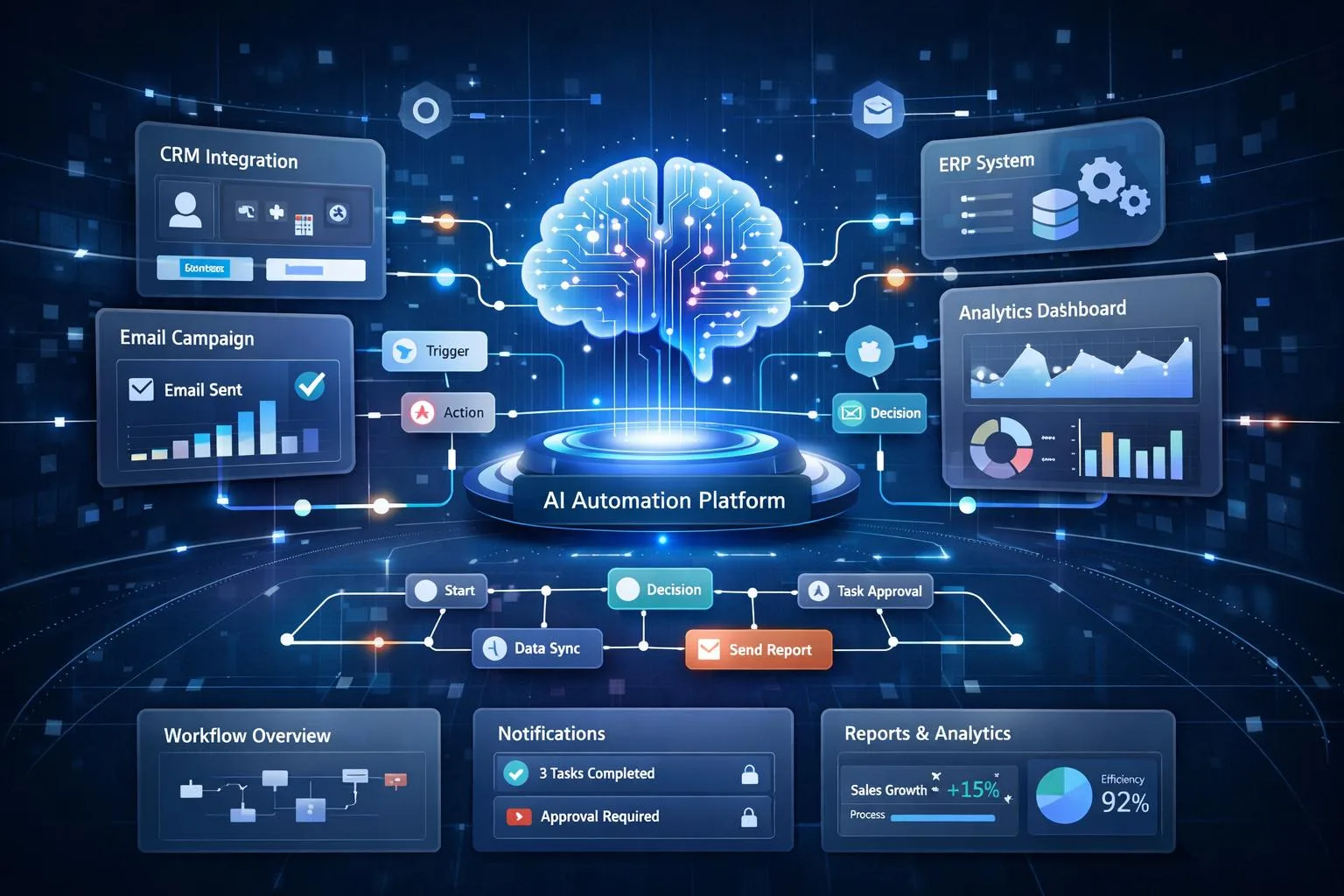
Imagine starting your workday with new customer messages, orders waiting to be processed, invoices to review, and sales information scattered across different systems.
Many of these activities happen every day. They take time, require attention, and can create errors when employees have to repeat the same steps manually.
Business automation can reduce some of this work. Artificial intelligence can extend automation to tasks that involve understanding language, recognizing patterns, or extracting information from documents.
But not every workflow needs AI, and not every decision should be automated.
This guide explains how AI business automation works, seven practical use cases, and how to decide where to begin.
What Is AI Business Automation?
AI business automation combines software workflows, predefined rules, and artificial intelligence to perform or support business activities.
Traditional automation follows specific instructions. AI can assist when a process involves interpreting less structured information, such as emails, documents, or customer requests.
For example, a workflow might automatically send an order confirmation after payment. That task does not require AI.
However, identifying whether a customer message concerns delivery, refunds, or a product question may benefit from language-processing capabilities.
Intelligent automation commonly combines AI with business process management and other automation technologies.
The goal is not to introduce AI into every activity. It is to reduce unnecessary manual work while maintaining accuracy and control.
Traditional Automation vs. AI Automation
| Area | Traditional Automation | AI Automation |
|---|---|---|
| Logic | Predetermined rules | Rules plus interpretation or prediction |
| Input | Usually structured data | Structured and unstructured data |
| Example | Send a confirmation email | Classify customer requests |
| Predictability | Often higher | Depends on model and data quality |
| Oversight | Based on process risk | Especially important for uncertain outputs |
If a simple rule reliably solves a problem, adding AI may create unnecessary cost and complexity.
Seven Business Processes You Can Automate
1. Customer Support
Businesses receive many recurring questions about deliveries, product availability, returns, and services.
An AI-assisted support system can retrieve approved information and suggest responses to common questions.
More complex cases should be transferred to a human representative.
Customer-specific information must remain protected through appropriate authentication and access controls.
2. Lead Management and Request Classification
Customer inquiries may arrive through website forms, email, and other communication channels.
AI can help classify requests by topic, such as pricing, technical support, complaints, or sales inquiries.
Automation can then route each request to the appropriate team and create follow-up reminders.
Businesses should maintain clear rules and human correction options rather than allowing uncertain model outputs to determine every commercial priority.
3. Invoice and Document Processing
Many organizations still transfer information from invoices and forms into internal systems manually.
Document-processing tools can extract fields such as invoice numbers, dates, supplier names, and totals.
Microsoft's AI Builder documentation describes how extracted document information can be used in Power Automate workflows.
Financial information should be validated, and uncertain results should be reviewed before they affect accounting records.
4. Order and Inventory Management
Online stores can automate order status changes, notifications, inventory checks, and fulfillment workflows.
Many of these operations are best handled with reliable rules rather than generative AI.
AI may provide additional value through demand forecasting, unusual-order detection, or inventory planning.
Predictions remain uncertain and should support, not replace, business judgment.
5. Reporting and Business Analytics
Management dashboards can collect sales, orders, inventory, and customer information.
AI can assist with summarizing trends or identifying unusual changes.
For example, it might highlight a drop in sales for a particular product category.
However, identifying the cause requires further investigation. Numerical reports should come from verified data and reproducible calculations.
6. Content and Marketing Workflows
AI can help create initial product descriptions, suggest article topics, or summarize existing materials.
Workflow automation can schedule approved content or transfer it between systems.
Human review remains important for factual accuracy, brand voice, copyright considerations, and product claims.
7. Internal Task and Workflow Management
Businesses often follow repeatable processes for handling inquiries, preparing proposals, approving projects, and delivering services.
Workflow tools can create tasks, assign responsibilities, send reminders, and record progress.
AI may assist by summarizing meeting notes or extracting action items.
Combining clear workflow rules with carefully reviewed AI outputs can make internal coordination more manageable.
How to Implement AI Business Automation
Step 1: Map the Existing Process
Identify what triggers the process, which information it requires, who is responsible, and what the expected outcome should be.
Step 2: Separate Rules From AI Tasks
Determine which steps can be handled through reliable conditions and which genuinely require interpretation or prediction.
Step 3: Choose Suitable Tools
Options include existing business software, APIs, workflow platforms such as n8n or Microsoft Power Automate, and custom development.
Evaluate integrations, security, cost, and maintenance requirements.
Step 4: Design Human Oversight
Define what happens when information is missing, a service fails, or the AI produces an uncertain result.
Sensitive actions should require appropriate approval and auditability.
Step 5: Measure Results
Compare processing time, error rates, operational costs, and user satisfaction before and after implementation.
Automation should solve a measurable problem.
Is AI Automation Suitable for Small Businesses?
Yes, when the use case is appropriate.
A small online store might benefit more from reliable order notifications than from an elaborate AI system.
A service business might first need structured inquiry forms, a shared dashboard, and automatic reminders.
AI becomes valuable when it improves outcomes beyond what simpler tools can achieve.
What Does AI Business Automation Cost?
Costs depend on workflow complexity, request volume, integrations, AI model usage, data quality, security, and ongoing maintenance.
A simple notification workflow may be inexpensive to implement using existing tools.
A multi-system process involving document extraction, financial information, and approval workflows requires more planning and testing.
Define a limited pilot before committing to a larger project.
Risks and Limitations
AI automation can introduce risks, including incorrect outputs, privacy violations, biased decisions, unexpected actions, and dependency on external services.
The NIST AI Risk Management Framework provides guidance for identifying, assessing, and managing AI-related risks.
Businesses should apply access controls, maintain logs, test workflows, and establish human review for high-impact operations.
How to Choose Your First Automation Project
Ask five questions:
-
Is the task repeated frequently?
-
Does it consume significant employee time?
-
Are its inputs and expected outputs clear?
-
Can mistakes be detected and corrected?
-
Is the expected benefit greater than the implementation and maintenance cost?
A small, measurable pilot is often the best starting point.
Frequently Asked Questions
Does business automation always require AI?
No. Many workflows can be automated using rules and existing software. AI is useful when interpretation, prediction, or unstructured data processing is required.
What is the difference between automation and an AI agent?
Traditional automation follows defined workflows. An AI agent may select actions or use tools to pursue a goal, subject to its design and permissions. Greater autonomy requires stronger safeguards.
Is n8n an AI tool?
n8n is primarily a workflow automation platform. AI services can be integrated into its workflows, but not every n8n automation uses AI.
Will automation replace employees?
Its effects depend on the organization and the work involved. Automation may reduce repetitive tasks and change job responsibilities, but outcomes differ across industries and companies.
Can automation connect to an e-commerce website?
Often, yes. APIs, webhooks, and supported integrations can connect online stores to notification, reporting, and operational workflows.
Conclusion: Improve the Process Before Automating It
Successful automation begins with understanding the problem.
Start with one repetitive process, measure the outcome, and expand only when the benefits are clear.
Sometimes a simple rule-based workflow is more useful than a sophisticated AI solution.
At AtraByte, we focus on professional websites, e-commerce experiences, and custom web systems that support organized digital operations and long-term business growth.
AtraByte | Design with purpose.


Discussion
Thoughts on this article