
Planning a new website for your company? One of the first questions you may have is: What features does a professional business website actually need?
Is a homepage, an About page, and a contact form enough? Should you invest in a blog, portfolio, customer portal, or multilingual content?
The answer depends on your business goals, your customers, and the services you provide.
A construction company, consulting firm, and software agency may all need business websites, but their priorities will be different.
This guide explores 12 essential business website features, explains which advanced capabilities are worth considering, and helps you plan a website that supports your business rather than simply looking attractive.
What Is a Business Website?
A business website is a company's official online presence, designed to introduce its services, expertise, projects, and contact information.
But a useful website does more than present information.
It helps potential customers understand what you offer, evaluate your experience, find answers, and take the next step, whether that's requesting a consultation, booking a meeting, or contacting your team.
For example, a potential client visiting an engineering firm's website may want to review completed projects, learn about the team's expertise, and request a proposal.
A well-structured website makes these tasks straightforward.
12 Essential Features of a Professional Business Website
1. A Clear, Purposeful Homepage
Your homepage should quickly explain what your company does, who it serves, and what visitors should do next.
Useful homepage elements include a clear value proposition, an overview of services, selected projects, credible trust signals, and a prominent call to action.
Instead of a generic headline such as "Welcome to Our Website," use language that explains your actual service.
For example, "Custom Software Solutions for Growing Businesses" gives visitors a clearer reason to continue exploring.
A homepage doesn't need to include every detail. Its job is to guide people toward the information they need.
2. An Informative About Us Page
Before contacting a company, potential customers often want to understand who is behind it.
An About page can introduce your background, team, expertise, values, and approach to working with clients.
Focus on specific, verifiable information rather than exaggerated claims.
Real team members, relevant experience, and a clear explanation of your process can help visitors evaluate your business.
3. Dedicated Service Pages
Each important service should have a clear page of its own.
For example, a digital agency offering web design, software development, and business automation may benefit from separate pages for each service.
What Should a Service Page Include?
-
A simple explanation of the service
-
Who the service is suitable for
-
Problems it helps solve
-
Key features or deliverables
-
The working process
-
Relevant examples or case studies
-
A clear enquiry or consultation option
Dedicated service pages also provide opportunities to target relevant search queries naturally.
4. Portfolio and Case Studies
For service-based businesses, a portfolio can demonstrate experience more effectively than general marketing claims.
Instead of showing images without context, explain the project.
A useful case study can describe the client's challenge, the solution, work completed, and measurable outcomes when available.
Only publish client details and project materials when you have the appropriate permission.
Avoid invented testimonials or unsupported performance figures.
5. Contact Page and Enquiry Forms
A business website should make it easy for interested visitors to get in touch.
Depending on your business, this may include an email address, telephone number, office location, business hours, and a contact form.
For many businesses, a short form asking for a name, contact details, service of interest, and brief message is sufficient.
Avoid requesting unnecessary personal information.
Place relevant calls to action on service pages so visitors don't have to search for the contact page.
6. Content Management System
Your website will probably need updates after launch.
You may want to publish articles, add projects, edit services, or change company information.
A content management system allows authorised team members to handle routine updates without modifying source code.
Ask your development team which areas will be editable and whether different staff members can have different access permissions.
7. Responsive Design and Accessibility
Your website should work well on desktops, tablets, and smartphones.
Responsive design involves more than fitting content onto smaller screens. Navigation, buttons, forms, and important user journeys must remain easy to use.
Accessibility matters too.
Readable text, sufficient contrast, keyboard navigation, and appropriate image descriptions can help make the website usable by more people.
The W3C Web Content Accessibility Guidelines provide established guidance for improving accessibility.
8. Technical SEO Foundations
Search engine optimisation begins with a website that search engines can discover and understand.
Important technical features include:
-
Editable SEO titles and meta descriptions
-
Clear URLs
-
Logical heading structures
-
XML sitemaps
-
Indexing controls
-
Internal linking
-
Image optimisation
-
Search Console compatibility
-
Redirect management
Google's SEO Starter Guide emphasises useful content and understandable site structures.
Technical SEO alone does not guarantee rankings, but it provides an important foundation for future search visibility.
9. Website Speed and Performance
A slow website can make even simple tasks frustrating.
Optimised images, efficient code, suitable hosting, and careful resource loading can improve performance.
Google's Core Web Vitals focus on loading performance, interaction responsiveness, and visual stability.
These are measured through LCP, INP, and CLS.
The aim should be a reliable real-world user experience, not merely a high score in a testing tool.
10. Security and Backups
A business website may process contact requests, customer information, and administrative data.
Security measures should include HTTPS, appropriate access controls, software updates, secure form handling, and regular backups.
Ask who manages maintenance, how backups are stored, and whether restoration procedures have been tested.
No website can be guaranteed completely secure, but sensible safeguards can reduce known risks.
11. Blog and Educational Resources
Not every business needs a blog.
However, educational content can be valuable when customers research questions before choosing a service provider.
For example, a software company might publish guides about implementation costs, integration options, or cybersecurity basics.
Useful articles should answer genuine questions rather than repeat keywords.
Relevant internal links can help readers move naturally from educational content to related service pages.
12. Trust and Customer Guidance
Potential customers may need reassurance before submitting an enquiry.
Depending on your business, useful elements can include FAQs, genuine customer reviews, relevant certifications, clear contact details, and an explanation of your working process.
Trust should be based on accurate information.
Avoid fabricated reviews, misleading badges, or claims that cannot be supported.
Advanced Features: What Can Be Added Later?
Some businesses benefit from additional capabilities, but they aren't essential for every project.
Multilingual Website
Companies serving international customers may need multiple languages, appropriate URL structures, and hreflang configuration.
Customer Portal
A private customer area may allow clients to track requests, access documents, or review project progress.
Online Booking
Consulting and service businesses may benefit from appointment scheduling and automated confirmations.
CRM and Automation Integrations
Connecting enquiry forms to a customer relationship management system can help teams organise and follow up on leads.
Recruitment Features
Growing companies may need careers pages, job listings, and application forms.
Which Features Does Your Business Need?
Different businesses have different priorities.
| Business type | Useful features |
|---|---|
| Professional services | Service pages, portfolio, consultation forms |
| Construction company | Project gallery, project details, enquiries |
| Software company | Products, services, documentation, case studies |
| Consulting firm | Expert profiles, services, appointment booking |
| Industrial company | Product catalogues, specifications, quote requests |
| International company | Multilingual pages and regional contact information |
Use these examples as starting points rather than fixed requirements.
What Affects Business Website Development Costs?
Website costs depend on the project's scope and complexity.
Factors include the number of pages, design requirements, content management features, languages, integrations, and custom functionality.
A five-page informational website is a different project from a multilingual corporate platform with a customer portal and advanced integrations.
Before requesting a quote, identify essential features and potential future improvements.
This makes proposals easier to compare and helps control unnecessary spending.
Common Business Website Mistakes
Focusing only on appearance: A beautiful website still needs clear navigation and useful content.
Adding unnecessary features: Complexity can increase costs and make maintenance harder.
Neglecting content: Visitors need understandable explanations of your services.
Ignoring mobile users: Important tasks should be tested on smaller screens.
Forgetting maintenance: Clarify support responsibilities before launch.
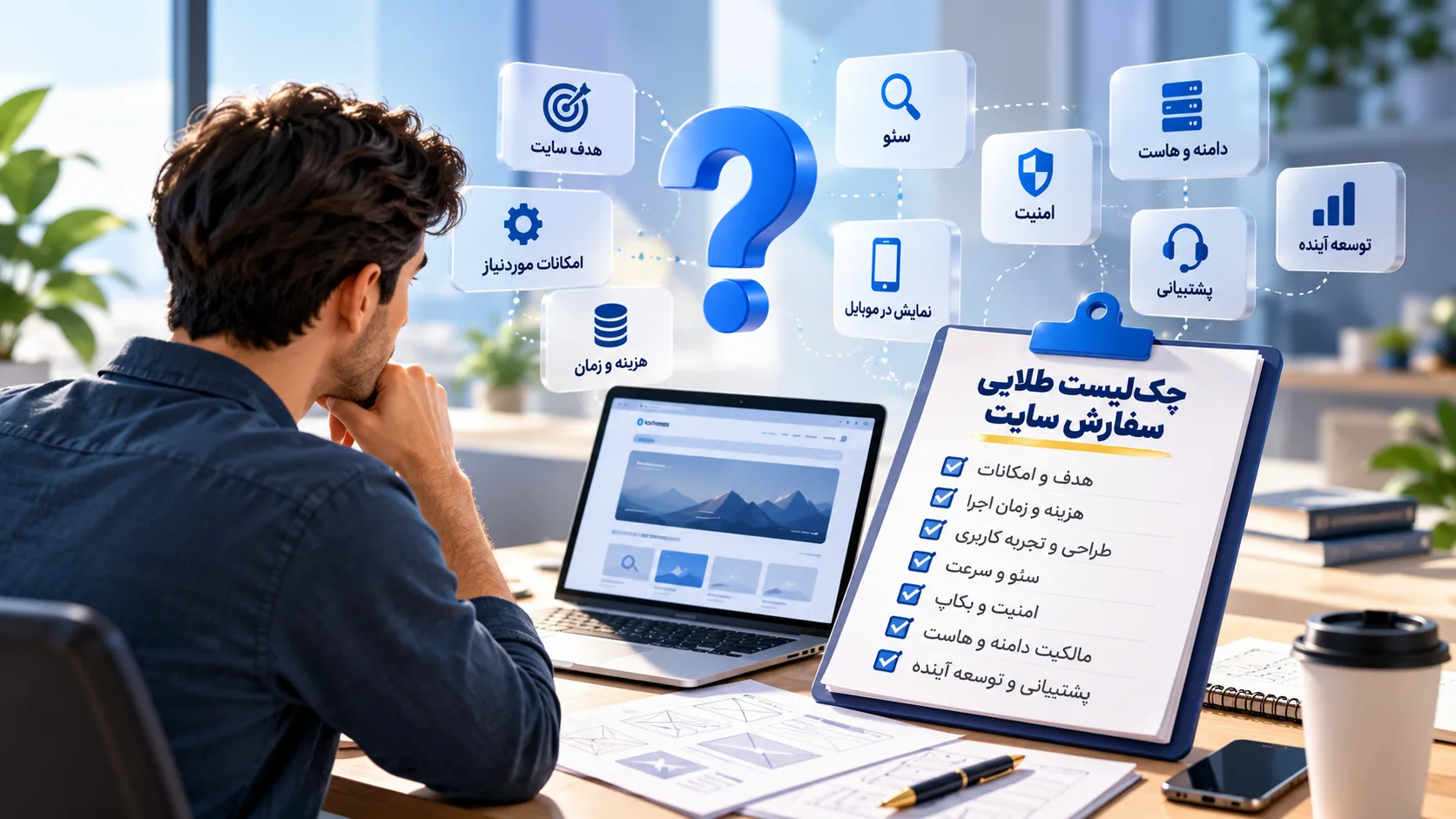
Business Website Features Checklist
-
-
Clear and professional homepage
-
About Us and company information page
-
Dedicated service pages
-
Portfolio and case studies
-
Contact page and enquiry forms
-
Content management system (CMS)
-
Responsive and accessible design
-
Technical SEO foundations
-
Website speed and performance optimisation
-
Website security and regular backups
-
Blog and educational content (if needed)
-
Genuine trust signals and credibility elements
-
Advanced features tailored to business needs
-
Frequently Asked Questions
Does Every Business Website Need Online Payments?
No. Payment functionality is useful only when the business needs to accept payments, deposits, subscriptions, or online orders.
Does a Business Website Need a Blog?
Not necessarily. A blog can be valuable when educational content supports your customers and marketing strategy.
What's the Difference Between a Business Website and an Online Store?
A business website typically focuses on presenting services and generating enquiries. An online store prioritises product management, shopping carts, payments, and order processing.
Can I Add More Features Later?
Often, yes. The possibilities depend on the chosen technology, architecture, and project limitations.
Does a Business Website Have to Be Custom-Built?
No. Existing content management platforms and custom development can both be appropriate, depending on your requirements.
Final Thoughts: Build Around Your Business Goals
A professional business website should do more than look impressive.
It should explain your services, present trustworthy information, and make it easy for potential customers to contact you.
For many companies, service pages, case studies, enquiry forms, content management, mobile usability, SEO, and security are essential foundations.
Advanced features should be chosen according to genuine business needs.
The best website isn't necessarily the one with the most features. It's the one that supports your goals and can adapt as your business develops.
Planning a Website for Your Company?
At AtraByte, we believe effective web development starts with understanding your business.
We help clarify your goals, identify the features that matter, and plan an appropriate approach before development begins.
If you're considering a new business website, we'd be happy to discuss your project.

Discussion
Thoughts on this article