
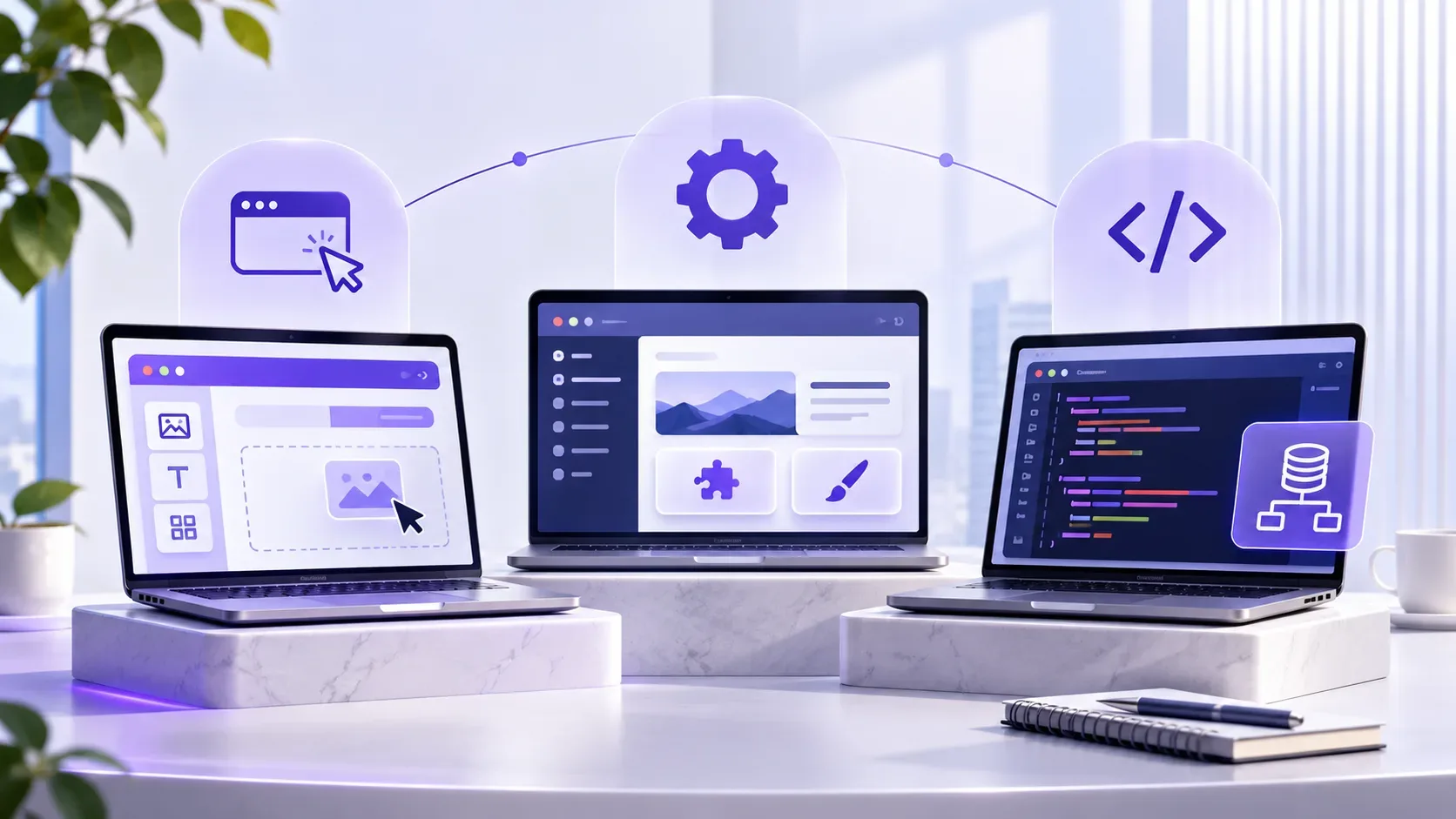
Website-Baukasten, WordPress oder individuelle Entwicklung? Wir vergleichen die drei Ansätze hinsichtlich Kosten, Entwicklungszeit, Funktionen, Skalierbarkeit, Wartung und Geschäftsanforderungen.What Is a Website Builder? Website Builder vs WordPress vs Custom Development
Do you always need to code a website from scratch?
No.
Today, there are several ways to launch a website. You can use a website builder, build it with WordPress, or choose custom website development.
All three can be good choices, and all three can be the wrong choice.
It depends on what you need the website to do, how much you want to spend, and how you expect the website to evolve in the future.
In this article, we compare website builders, WordPress and custom development without treating any one of them as the universal winner.
What is a website builder?
A website builder is a service that provides much of the infrastructure needed to create and launch a website.
You typically choose a template and customize pages using visual tools. With many website builders, hosting, platform updates and parts of the technical infrastructure are also managed by the provider.
Wix and Squarespace are examples of this model.
For a simple business website, portfolio, landing page or project with fairly standard requirements, a website builder can provide a fast route to launch.
Advantages of website builders
Fast setup: You can usually launch a website without dealing with many of the technical details involved in traditional development.
Less technical knowledge required: Many everyday changes can be made without programming.
Managed infrastructure: Hosting, platform updates and some technical responsibilities are generally handled by the provider.
Predictable initial cost: For simple websites, the upfront cost may be significantly lower than custom development.
Disadvantages of website builders
Less flexibility: What you can build depends heavily on the features and customization options provided by the platform.
Platform dependency: Some website builders operate on proprietary infrastructure. Wix, for example, states that sites created using its technology need to run on Wix's servers.
Migration can be limited: Export capabilities differ between platforms. Squarespace, for example, allows certain content to be exported, but not every page type, store feature, design setting or functionality is included in the export.
Custom functionality may become difficult: When a business develops highly specific workflows or requirements, the limitations of the platform can become more noticeable.
Website builders are not inherently bad. You simply need to understand how far the platform can realistically take you before choosing one.
What is WordPress?
WordPress is an open-source content management system, or CMS.
Unlike many SaaS website builders, the open-source version of WordPress can be installed on a hosting provider of your choice, giving you greater control over the code, themes, plugins and website data.
WordPress can be extended using themes and plugins, and its large ecosystem supports business websites, online stores, blogs, service websites and many other types of projects.
Advantages of WordPress
High flexibility: A large selection of themes and plugins is available, and custom functionality can also be developed when necessary.
Strong content management: Managing pages, articles, media and users is one of WordPress's core strengths.
More control: With a self-hosted WordPress installation, you can choose your hosting environment and access your files, code and data.
Suitable for many types of websites: WordPress can power everything from a simple blog to a business website or online store.
Large ecosystem: Its extensive community, documentation, plugins and themes mean that solutions already exist for many common requirements.
Disadvantages of WordPress
It requires maintenance: WordPress itself, plugins and themes need to be kept up to date.
Plugin quality varies: The existence of a plugin for a particular feature does not mean every available plugin is a good choice.
Compatibility issues can occur: Theme and plugin compatibility sometimes needs to be checked before and after updates.
Too many plugins can create complexity: Installing multiple plugins for every small requirement can make a website more difficult to maintain over time.
Official WordPress documentation also emphasizes keeping WordPress core, plugins and themes updated and checking their compatibility.
WordPress therefore provides more freedom than many website builders, but it also transfers more technical responsibility to the website owner or maintenance team.
What is custom website development?
With custom development, a website or web application is developed around the specific requirements of a project.
This does not mean building every component from scratch.
Development teams still use established frameworks, libraries, databases, packages and APIs. The main difference is that the architecture and business logic can be designed around the actual processes of the business.
Custom development may make more sense when a project requires things such as:
multiple user roles,
CRM,
a marketplace,
automation,
a complex booking system,
custom dashboards,
multi-step workflows,
or integrations with several other systems.
Advantages of custom development
Greater development freedom: The system can be designed around the actual needs of the business.
Custom business logic: Unique processes do not have to be forced into the limitations of a plugin or ready-made platform.
Architectural control: The database, backend, frontend, APIs and integrations can be designed around project requirements.
Suitable for complex systems: When a project behaves more like software than a conventional website, custom development can be a more logical choice.
Disadvantages of custom development
Usually higher initial cost: Analysis, design, development and testing require time and skilled technical work.
Usually takes longer to launch: Building a custom system generally takes longer than selecting a template and adding content.
Requires technical expertise: Maintenance, future development and troubleshooting require technical knowledge.
Custom does not automatically mean better: Poor architecture or implementation can result in a custom system that performs worse than a well-built WordPress website or even a suitable website builder.
This point matters:
Being custom is not a benefit by itself. The quality of the analysis and implementation determines whether custom development actually creates value.
Website builder, WordPress or custom development: which is better?
The short answer is:
None of them is always better.
A simplified comparison looks like this:
| Criteria | Website Builder | WordPress | Custom Development |
|---|---|---|---|
| Launch speed | Fast | Fast to moderate | Usually slower |
| Initial cost | Usually lower | Low to moderate | Usually higher |
| Technical knowledge required | Low | Moderate | High |
| Development flexibility | More limited | High | Very high |
| Content management | Simple | Very strong | Depends on implementation |
| Custom functionality | More limited | Moderate to high | Very high |
| Infrastructure control | Usually lower | High | High |
| Technical maintenance | Mostly provider-managed | Owner/support team | Technical team |
| Migration | Platform-dependent | Usually more flexible | Architecture-dependent |
This table is not an absolute rule.
A good website builder can be completely appropriate for a small business. A well-maintained WordPress website can serve a company for years, while a poorly designed custom system may simply cost more without delivering more value.
Which option is better for SEO?
A common misconception is that the technology used to build a website automatically determines its SEO performance.
You may hear statements such as:
“WordPress is better for SEO.”
or:
“Custom websites always rank better.”
The reality is more nuanced.
Google's official SEO guidance focuses on factors such as making pages accessible to search engines, creating helpful and trustworthy content, maintaining a logical site structure, using crawlable links and providing a good page experience.
Google's documentation also provides SEO guidance that applies to websites created with hosted platforms such as Wix and Squarespace.
In other words:
Using a website builder, WordPress or custom development does not by itself determine how well a website will rank on Google.
Technology can make SEO implementation easier or more difficult, but it does not replace good content, a sound SEO strategy and proper technical implementation.
Which option is more secure?
Again, there is no universal winner.
With SaaS website builders, much of the platform infrastructure, maintenance and security is handled by the provider.
WordPress gives you more control, but WordPress core, plugins and themes need to be kept updated. Official WordPress security documentation also identifies keeping these components updated as an important security practice.
Custom development offers greater control over the architecture, but security depends on development quality, framework choices, server configuration, deployment, access management and ongoing maintenance.
Therefore:
WordPress is not automatically insecure, and custom development is not automatically secure.
Security is the result of good technical decisions and continuous maintenance.
When is a website builder a good choice?
A website builder may be a good option when:
you need a relatively simple website,
your initial budget is limited,
launch speed matters,
your requirements are standard,
or you want to validate an idea quickly.
For example, if a photographer only needs a portfolio, service information and a contact form, developing a custom backend may provide little additional value.
Sometimes the simplest tool is the most professional decision.
When is WordPress a good choice?
WordPress may be suitable when:
you need a business or service website,
content marketing and blogging are important,
you need an online store with relatively standard requirements,
you want straightforward content management,
or your required functionality can reasonably be handled within the WordPress ecosystem.
For these projects, WordPress can provide a strong balance between cost, speed and flexibility.
When does custom development make sense?
The more a website moves away from being “a collection of web pages” and starts behaving like a software system, the stronger the case for custom development can become.
Examples include:
marketplaces,
CRM systems,
business automation,
multi-role user panels,
complex booking systems,
custom workflows,
operational dashboards,
multiple integrations,
or specialized business logic.
In these projects, the primary challenge is no longer simply presenting content. The website itself becomes part of the business operation.
Think about migration before choosing a platform
One question that is often overlooked is:
If we want to change platforms in two years, what can we take with us?
Your domain?
Articles?
Images?
Products?
Customer data?
URL structure?
Design?
Some platforms allow you to export certain types of information, but the entire design and all functionality may not be portable.
Squarespace's official documentation, for example, explains that only certain content can be exported in a format suitable for importing into WordPress, while some page types, store products, style settings and custom CSS are not included.
If growth or migration is a realistic possibility, data portability should be considered from the beginning.
Which option is better for an MVP?
An MVP does not automatically require custom development.
If you simply want to test whether people are interested in an idea, a landing page built with a website builder may be enough.
If the MVP is primarily a content website or a relatively standard online store, WordPress may be appropriate.
But if the thing you need to validate is the product's unique logic, such as a new marketplace or workflow, custom development may be necessary.
So instead of asking:
“Which technology should we use for the MVP?”
a better question is:
“What exactly are we trying to validate with this MVP?”
A common mistake: choosing the technology before defining the requirements
“I want a Django website.”
“I don't want WordPress.”
“I want to use a website builder.”
Before any of these statements, there is a more important question:
Why?
Technology should be selected after the requirements are understood.
You should first know:
What should users be able to do?
What does the website administrator need to manage?
How much content or how many products will there be?
Are there different user roles?
Does the system need to integrate with other services?
What functionality might be added in the future?
Once these questions are answered, choosing the right technology becomes much easier.
So, which one should you choose?
To simplify the decision:
Simple website, standard requirements and fast launch?
A website builder may be enough.
Business website, content platform or online store with relatively standard requirements?
WordPress is worth serious consideration.
Custom processes, complex roles, automation or specialized business logic?
Custom development may be more appropriate.
The boundaries are not always clear.
Some projects combine WordPress with custom plugin development. Others use hybrid architectures.
Conclusion
Website builders, WordPress and custom development are not three competitors fighting for a single trophy.
They are different tools for different levels of complexity.
Website builders can offer speed and simplicity, but their flexibility depends on the platform.
WordPress provides greater freedom and a large ecosystem, but requires more technical maintenance.
Custom development offers the greatest freedom for specialized logic, but usually involves higher cost, more development time and greater technical responsibility.
The professional choice is therefore not necessarily the most complex option.
The right solution is the simplest one that properly solves today's business needs without creating a predictable dead end for tomorrow.
Frequently Asked Questions
What is a website builder?
A website builder is a service that provides much of the infrastructure and tools needed to create a website, often allowing users to design and publish sites without programming or with limited technical knowledge.
Is a website builder better than WordPress?
A website builder can be suitable for simple websites and fast launches. WordPress generally offers greater control and flexibility for future development. The right choice depends on the project's requirements.
Is WordPress better than custom development?
For many business websites, content-heavy sites and standard online stores, WordPress can be sufficient. When a project requires complex business logic, workflows or specialized integrations, custom development may provide more value.
Are website builders good for SEO?
Using a website builder does not inherently prevent good SEO. What matters is whether the platform supports the necessary technical SEO requirements and whether the website is properly implemented in terms of content, crawlability, structure and user experience.
Is WordPress secure?
WordPress can be used securely, but the core software, plugins and themes should be kept updated, while hosting and website security also need to be properly managed.
Is custom development more secure?
Not necessarily. The security of a custom system depends on its architecture, development quality, infrastructure, deployment and ongoing maintenance. Being custom does not guarantee security.
When do I need custom website development?
Custom development is worth considering when a website requires specialized processes, user roles, workflows, integrations or business logic that would be difficult or impractical to implement with ready-made tools.
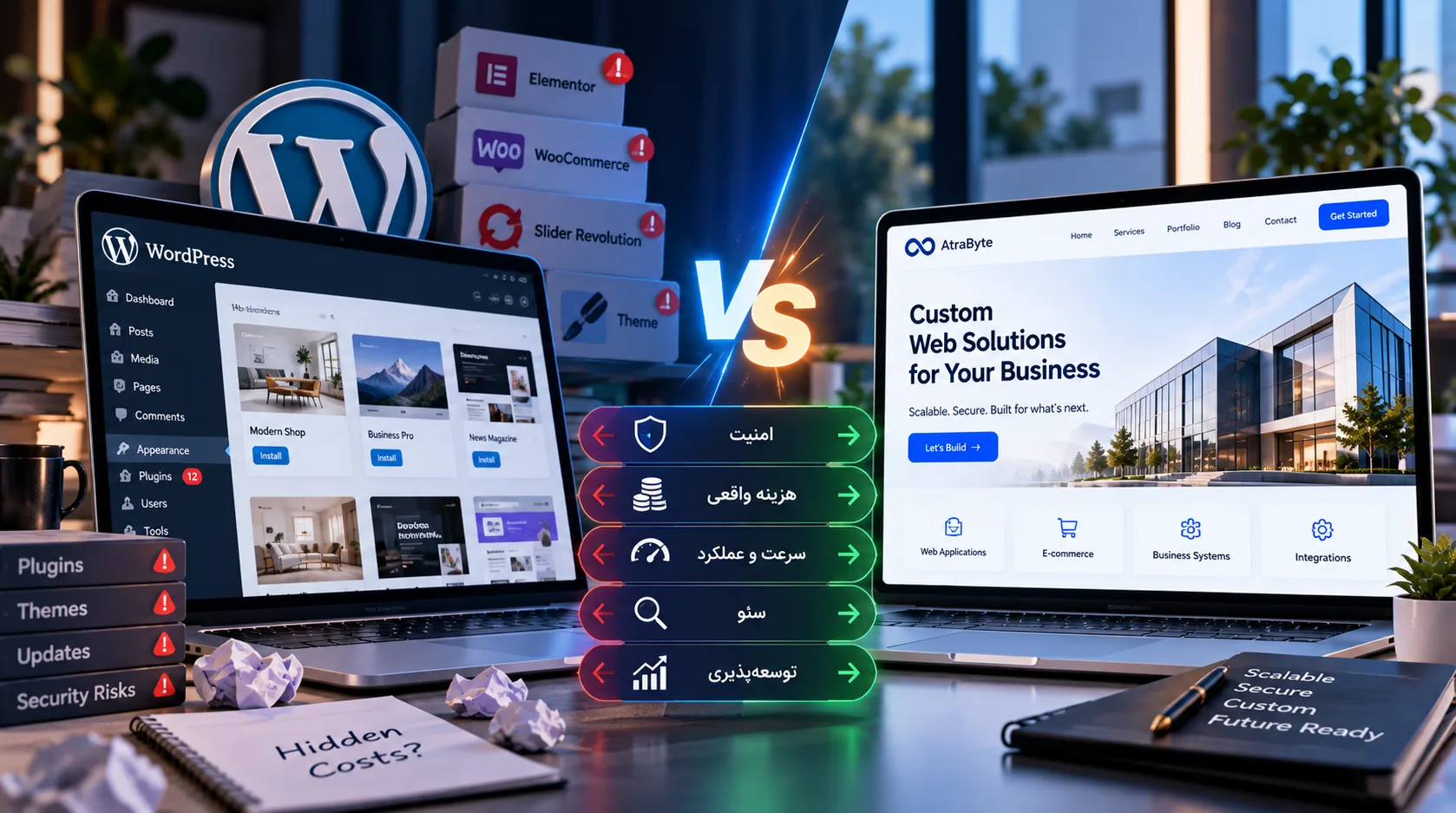
WordPress oder individuelle Website? Versteckte Kosten und Sicherheit 2026


Diskussion
Gedanken zum Artikel